Privacy policy
Last updated: 27 October 2026
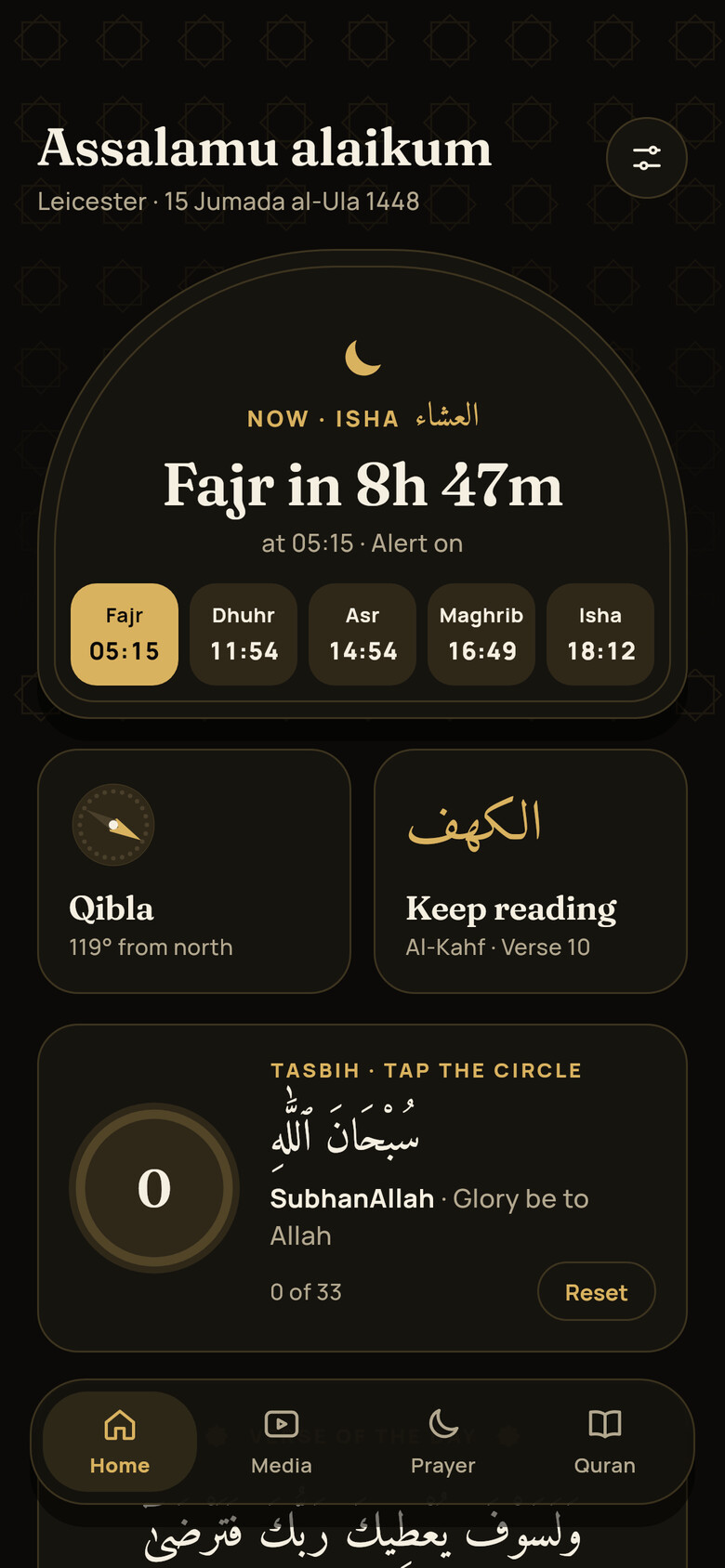
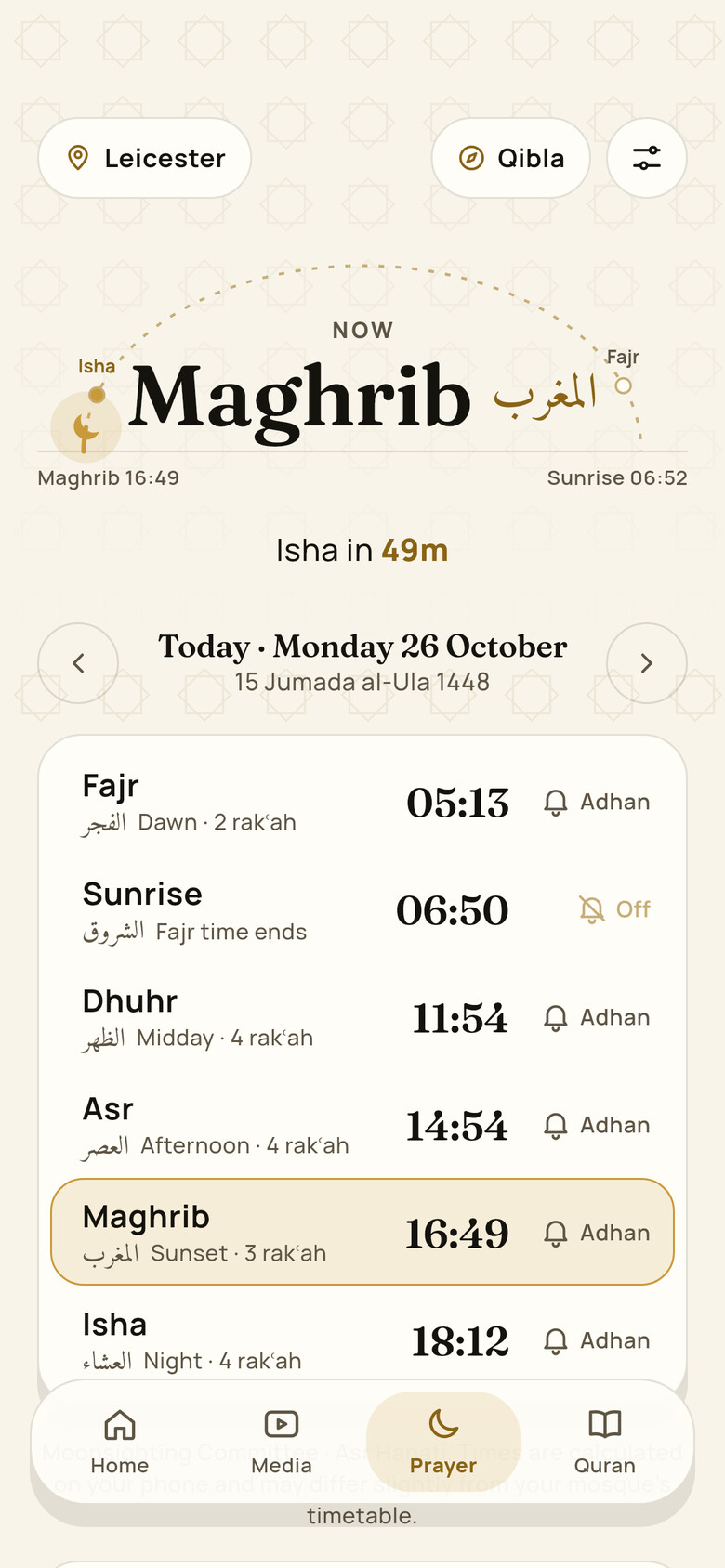
- Prayer times and Qibla direction are worked out on your phone. Your location is not sent to us.
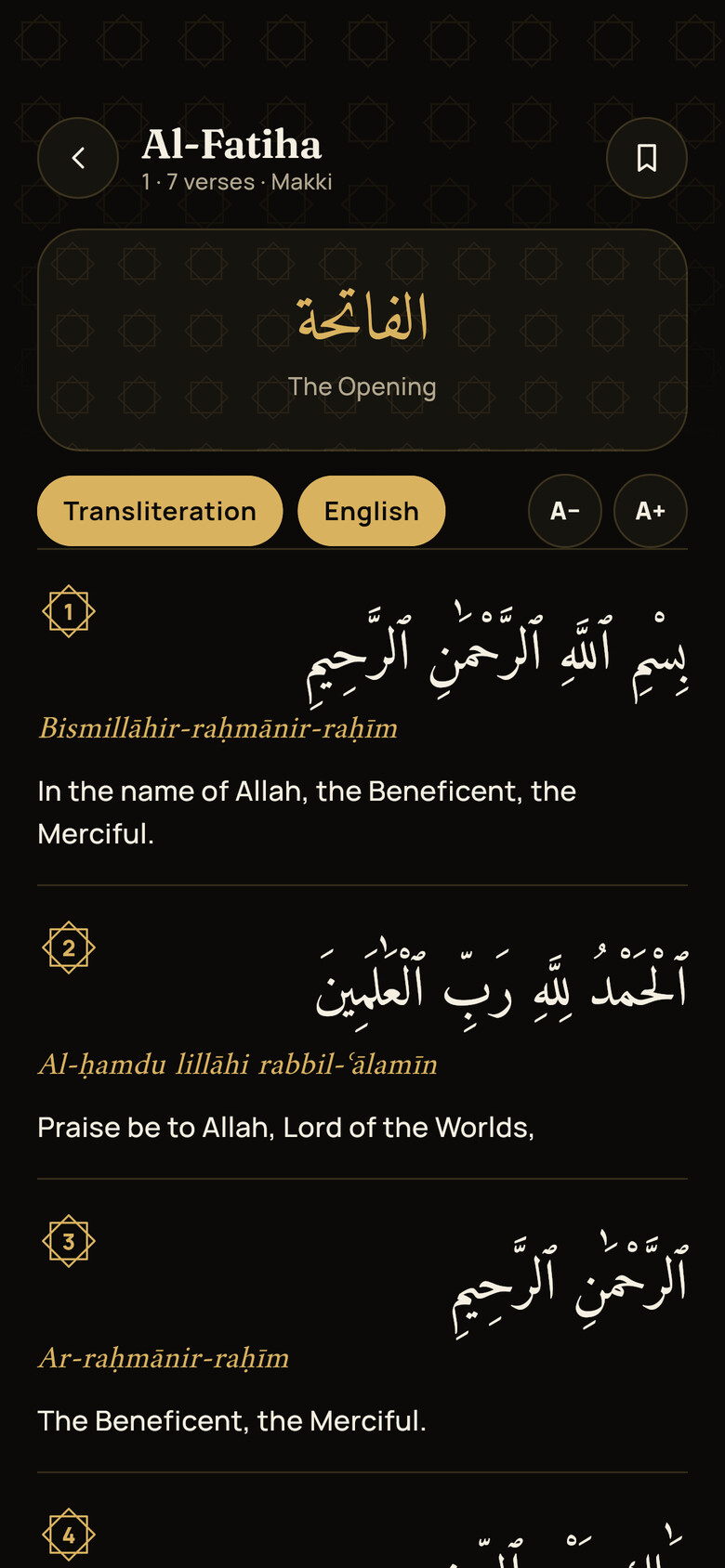
- Your settings, bookmarks, reading progress, prayer tracker and what you watch in Media are stored on your phone only.
- We do not show adverts, sell personal data, or use analytics tools in the app.
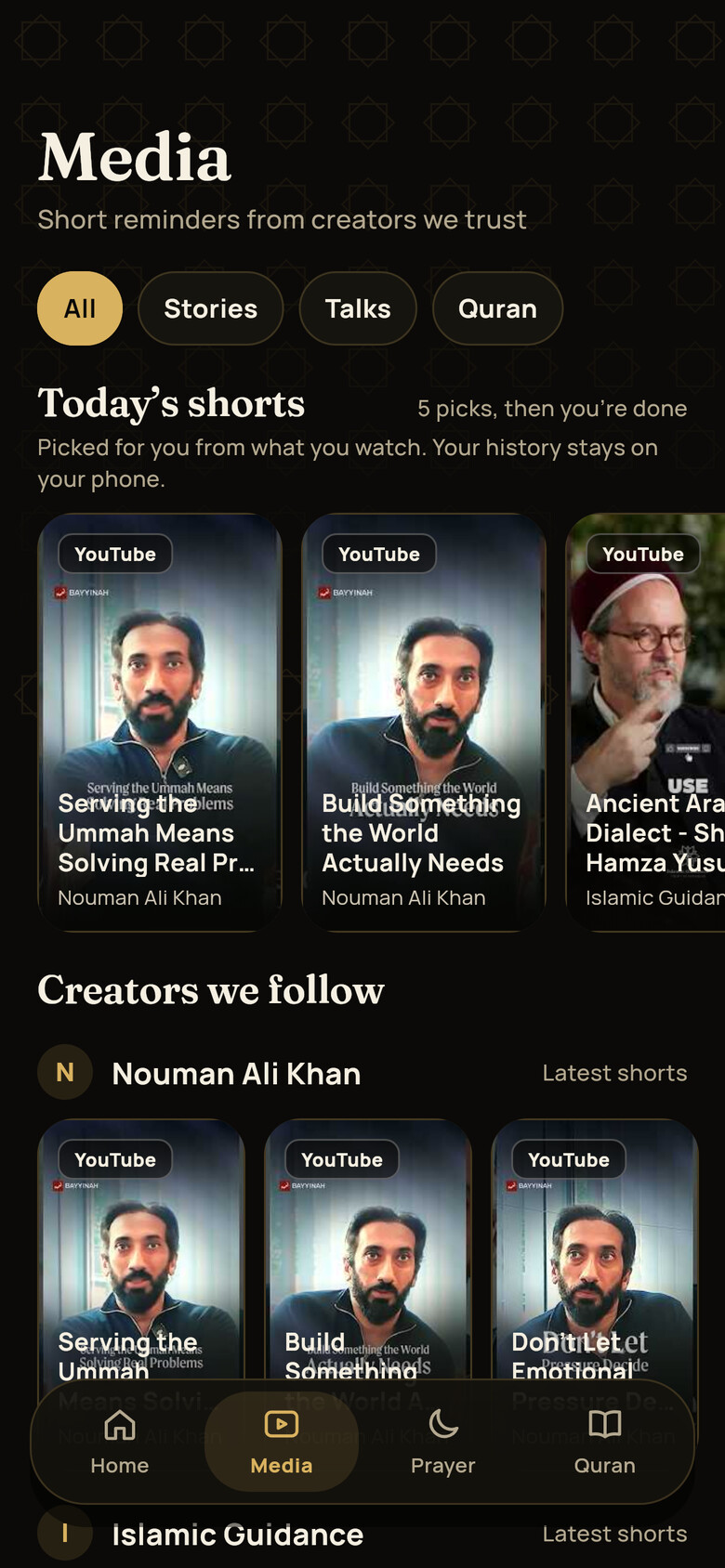
- Videos play in YouTube, TikTok or Instagram’s own players, and those companies may collect data under their own policies.
1. Who we are
Muslmaan (“we”, “us”) is run by Salmaan Mahamoud, a sole trader based in England, United Kingdom, trading as Muslmaan. We are the controller of the personal data described in this policy.
Contact: muslmaanapp@gmail.com
2. What we process and why
Your location
If you allow it, the app uses your phone’s location to calculate prayer times and the Qibla direction. This calculation happens on your phone. We do not receive or store your location. You can choose a city instead, and you can turn off location access at any time in your phone’s settings.
Settings and app data
Your calculation method, any time adjustments, prayer alerts, chosen city, bookmarks, tasbih count and display preferences are stored on your phone so the app works the way you set it up. We do not receive this information. Deleting the app deletes it.
Prayer tracker
If you use the prayer tracker, the prayers you tick and any days you mark as excused from prayer (for example during your period) are stored only on your phone. They are never sent to us or anyone else. You can untick a prayer or unpause a day at any time, and Settings → Erase everything removes it all.
Prayer alerts
Adhan, reminder and suhoor alerts are scheduled on your phone. We do not use a server to send prayer alerts.
Home-screen widget
If you add the widget, the app saves your city name and the next few days of prayer times where the widget can read them, on your phone only. To keep your alerts and the widget up to date, your phone may let the app run briefly in the background. Nothing is sent to us when it does.
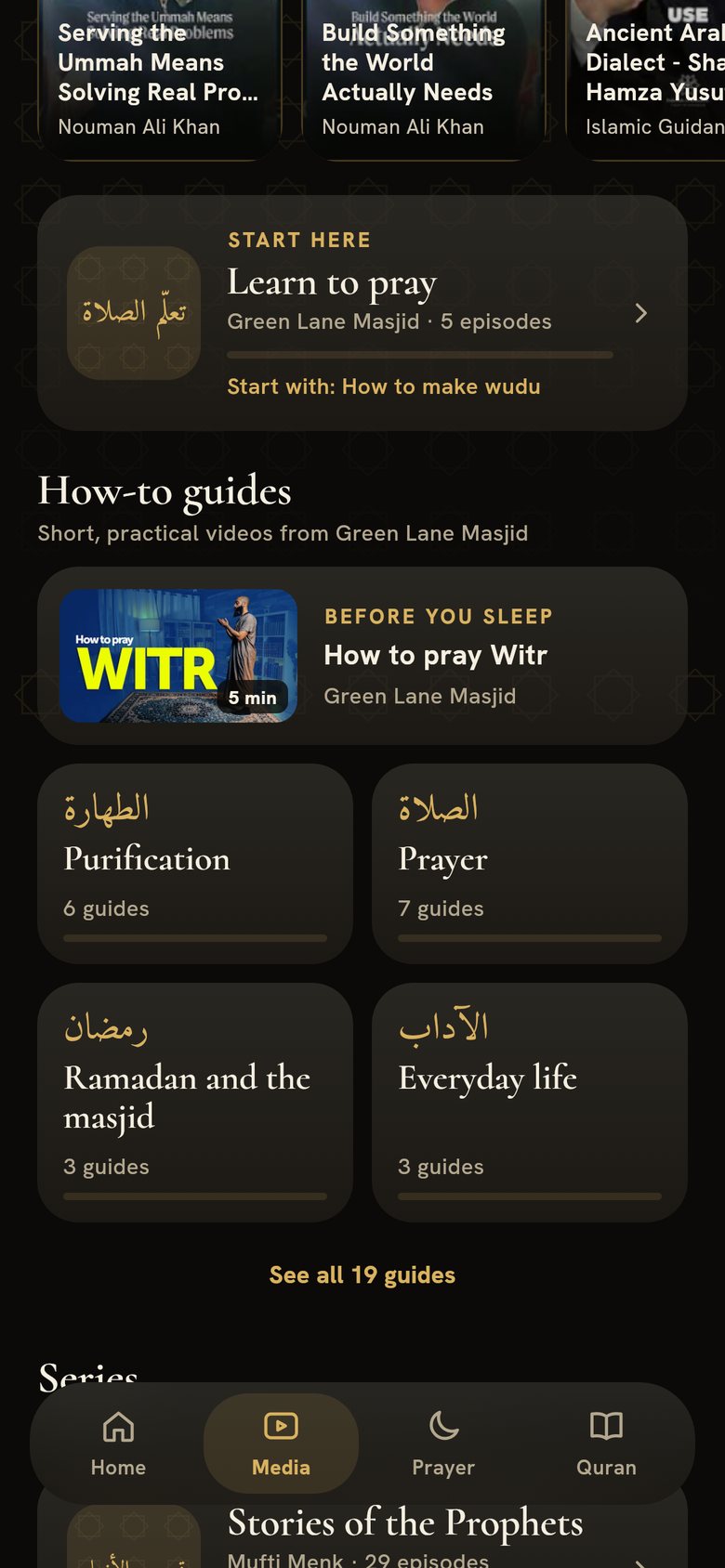
New videos in Media
To show the latest shorts, the app checks the public YouTube feeds of the creators we have chosen, directly from your phone. As with any internet request, YouTube (Google) receives your IP address when it does. What you watch is used to recommend videos only on your phone and is never sent to us. The app does not use a server of ours. If that changes, we will update this policy first.
Visiting this website
This website does not use cookies, analytics or advertising. Like any website, the company that hosts it receives your IP address and basic browser details when you visit, and may keep them in short-term logs to keep the site secure.
Embedded videos
Videos in Media are shown using the official players of YouTube (Google), TikTok and Instagram (Meta). When you load or play one, that company may collect information such as your IP address, device details and similar identifiers, under its own privacy policy. We do not control this and do not receive that information. You can read the YouTube, TikTok and Instagram privacy policies on their websites.
Emails you send us
If you contact us, we receive your email address and whatever you include in your message. We use it to reply to you and to improve the app.
3. Your religious beliefs
Using a Muslim prayer app may suggest something about your religious beliefs, which UK data protection law treats as especially sensitive. The app does not ask you to create an account and we do not collect information that identifies you through your use of it, so we do not hold a record that links you to Muslmaan. The same goes for the prayer tracker: the prayers you tick and any days you pause, which could say something about your health, stay on your phone and are never sent to us. If you email us, we only use what you tell us to help you.
4. Our legal bases
- Consent for using your location, which you give through your phone’s permission prompt and can withdraw at any time.
- Legitimate interests in answering your messages, dealing with requests from creators, and keeping this website secure.
- Legal obligation where we must keep or share information to comply with the law.
5. Who we share data with
We use very few service providers: Google, which provides our email (Gmail), for messages you send us, and the company that hosts this website. We do not sell personal data or share it for advertising. We may share information if the law requires it.
YouTube, TikTok and Instagram are not our service providers. When you watch a video, you deal with them directly under their own privacy policies.
6. International transfers
Some of our providers may process data outside the UK. Where they do, we rely on protections recognised by UK law, such as UK adequacy regulations or the International Data Transfer Agreement.
7. How long we keep it
- Website logs: kept by our website host for a short period for security, then deleted.
- Emails you send us: kept for up to 24 months, then deleted.
- Information on your phone: kept until you delete it or the app.
8. Children
Muslmaan is suitable for all ages and has no accounts. We do not knowingly collect personal data from children. If you think a child has sent us personal information, contact us and we will delete it.
9. Your rights
Under UK data protection law you can ask us to access, correct or delete your personal data, to restrict or object to how we use it, and to move it to another service. You can withdraw consent at any time. To make a request, email muslmaanapp@gmail.com.
If you are unhappy with how we have handled your data, you can complain to the Information Commissioner’s Office at ico.org.uk or on 0303 123 1113. We would appreciate the chance to put things right first.
10. Security
We keep the data we process to a minimum and use reputable providers with appropriate security. No method of transmission over the internet is completely secure, but we work to protect your information.
11. Changes to this policy
We will update this policy if the app changes the way it uses personal data, for example if we add optional sign-in. We will show the date of the latest version at the top, and tell you in the app before a significant change applies.